

Planning reliable integrations between your website, CRM and internal operations
Connecting forms, payment gateways, CRMs and operational dashboards saves hours of manual re-entry—provided data ownership, retries and failure alerts are designed upfront.
Most growing organisations reach a point where staff spend part of every morning copying details from website emails into a spreadsheet, a CRM, an invoicing tool, or a course portal.
Connecting those systems removes repetitive admin and speeds up customer response times, yet rushed integrations can fail silently when an external API times out or a field format changes.
Decide which system owns each piece of data
Before writing integration code, list the core records—such as contacts, enquiries, registrations, or invoices—and agree which platform is the authoritative source for each field.
When both a website admin panel and an external CRM can edit the same status field without clear ownership rules, teams quickly lose trust in the numbers they see.
Store first, then forward asynchronously
If a visitor submits an enquiry or registration while a downstream CRM or email service is briefly unavailable, the visitor should not face a broken page and your team should not lose the record.
Capturing the validated record in your primary database first—with a unique reference code and sync status—means failed downstream webhooks can be retried safely without creating duplicates.
Design for duplicates and partial updates
People submit forms twice, refresh confirmation pages, and update their phone numbers. Using idempotency keys or deterministic reference IDs prevents duplicate deals or double registrations.
Validate field lengths, phone formats, and required select values at the boundary so malformed inputs are caught cleanly before reaching downstream APIs.
Make sync health visible to operations
An integration is only reliable if the people running day-to-day operations know when a handover needs attention. Include a simple sync timestamp or status column and notify an owner when retries fail.
Clear operational visibility turns integrations from fragile background scripts into dependable business infrastructure.
Frequently asked questions
01What if one of our existing tools does not have a modern API?
When direct APIs are unavailable, scheduled structured CSV/SFTP exports, validated import queues, or replacing only the bottleneck module can still eliminate manual double entry safely.
02How long does a typical website-to-CRM integration take to scope?
Mapping fields, authentication, error states, and ownership rules usually takes a focused discovery session once API documentation and sample records are available.
Written by
Infinio Editorial Team · Infinio Technology Solutions
Practical perspectives from Infinio’s AI transformation, corporate training, software engineering, and digital marketing teams.
Software Engineering & Integrations
Need to connect your website, CRM, or internal systems cleanly? Talk to Infinio’s engineering team.
Share your workflow and existing tools with our engineering team to define a clear, reliable first release.
Continue Reading
Related insights from Infinio
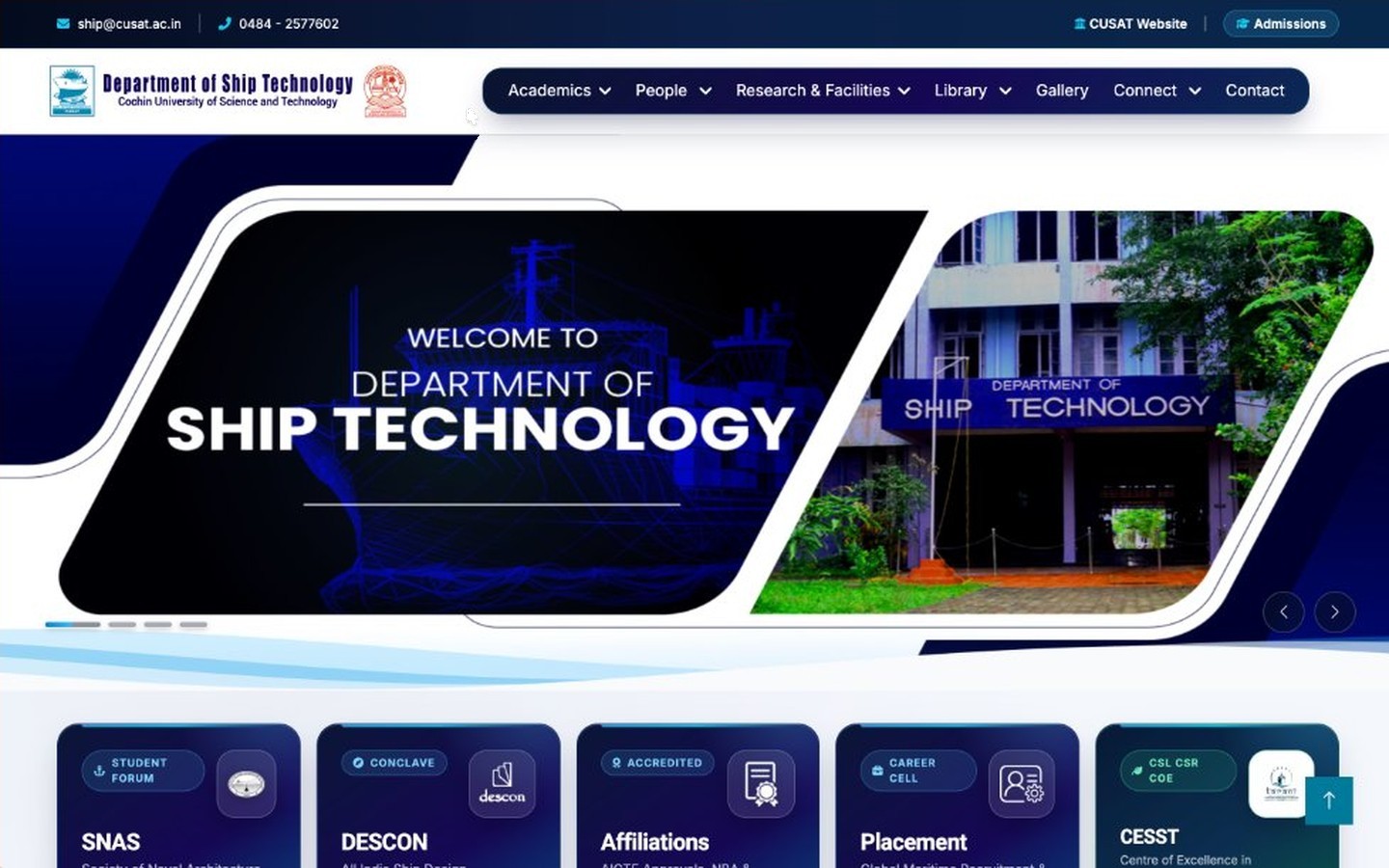
Architecting modern university, research and incubator web portals
Academic departments, research centres and technology business incubators serve prospective students, faculty, startups and accreditation bodies at once. Here is how to structure portals that stay fast and maintainable.
What to include in a useful custom software brief
A clear software brief describes the people, workflow and constraints behind the feature list. Here is a practical way to organise it.

Infinio opens new office and studio space at CIASL Business Centre, CIAL Aero Park
Operating alongside our headquarters, our office at CIASL Business Centre inside CIAL Aero Park brings software engineering, AI consulting, and corporate training together under one collaborative space.